
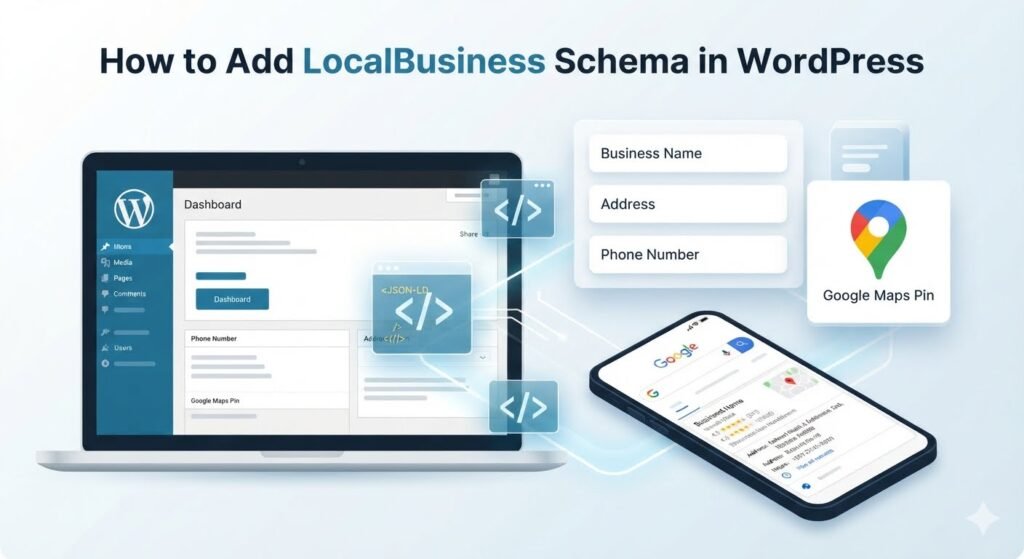
If you run a local business on WordPress, LocalBusiness schema is one of the highest-leverage technical SEO tasks you can complete in an afternoon. It tells Google your name, address, phone, hours, and service area in a language search engines understand — JSON-LD structured data.
This guide explains what LocalBusiness schema is, why it matters for Maps and local pack rankings, and how to add it in WordPress without hand-coding JSON.
What is LocalBusiness schema?
Schema markup (structured data) is code that describes your business entity on your website. LocalBusiness is a Schema.org type for brick-and-mortar and service-area businesses: plumbers, dentists, restaurants, clinics, contractors, and storefronts.
Google uses this data to:
- Confirm your business is real and matches your Google Business Profile
- Understand where you operate (address or service area)
- Display rich results — hours, ratings, and other details when eligible
- Strengthen local relevance for “near me” searches
Without schema, Google relies only on visible page text — which is slower to parse and easier to misread when your footer, contact page, and GBP disagree.
Why LocalBusiness schema helps local rankings
Schema alone will not guarantee page-one rankings. It removes ambiguity. For local SEO, ambiguity is expensive.
- Entity clarity — Google connects your website to the same business it sees on Maps.
- NAP reinforcement — Structured name, address, and phone support NAP consistency across the web.
- Service area signals —
areaServedhelps service-area businesses rank in the cities they cover. - Faster troubleshooting — When rankings slip, you can validate schema in Google’s Rich Results Test instead of guessing.
What to include in LocalBusiness JSON-LD
At minimum, include:
- @type —
LocalBusinessor a specific subtype (Plumber,Dentist,Restaurant, etc.) - name — legal or trade name, matching GBP
- address — full PostalAddress object
- telephone — primary customer-facing number
- url — your website
- openingHoursSpecification — when you are open
- areaServed — cities or regions you serve (especially for SABs)
Optional but valuable: geo coordinates, sameAs social profiles, priceRange, and image.
How to add LocalBusiness schema in WordPress (step by step)
- Pick one source of truth. Decide your canonical NAP and hours before generating schema.
- Install a local-first SEO plugin. Local Lift SEO generates JSON-LD from your main business profile — no manual JSON editing.
- Enter your business profile. Go to Local Lift → Main business. Add name, address, phone, URL, hours, and categories.
- Add service areas. List cities or regions you serve so
areaServedis populated correctly. - Save and view source. Confirm a
application/ld+jsonscript block appears on your homepage or site-wide output. - Validate. Paste the URL into Google’s Rich Results Test. Fix any errors or warnings.
- Connect GBP. Link Google Business Profile and run the NAP checker so site schema and your listing agree.
- Re-check after changes. Moves, new phone lines, or hour changes require a schema refresh.
Common LocalBusiness schema mistakes
- Multiple conflicting schemas — two plugins outputting different addresses on the same page.
- Keyword-stuffed business names — schema name must match your real GBP name.
- Missing service area — home-service businesses omit
areaServedand lose city-level relevance. - Stale hours — holiday hours updated on GBP but not on the site.
- Wrong @type — using generic
Organizationwhen you needLocalBusiness.
FAQ
Do I need schema if I already have a Google Business Profile?
Yes. GBP is your listing; schema is your website telling Google the same story. Both should align.
Is LocalBusiness schema free in WordPress?
Local Lift SEO includes LocalBusiness JSON-LD in the free tier for one main business. See all features.
Can I add schema without a plugin?
Yes, via custom code or a child theme. Plugins are safer for most businesses because they keep schema synced when NAP changes.
Next step: Download Local Lift SEO, complete your business profile, and validate schema today. For a broader local SEO workflow, see our contractor checklist (works for any local business).